Xero
Go to login.xero.com/identity/user/login and log in.
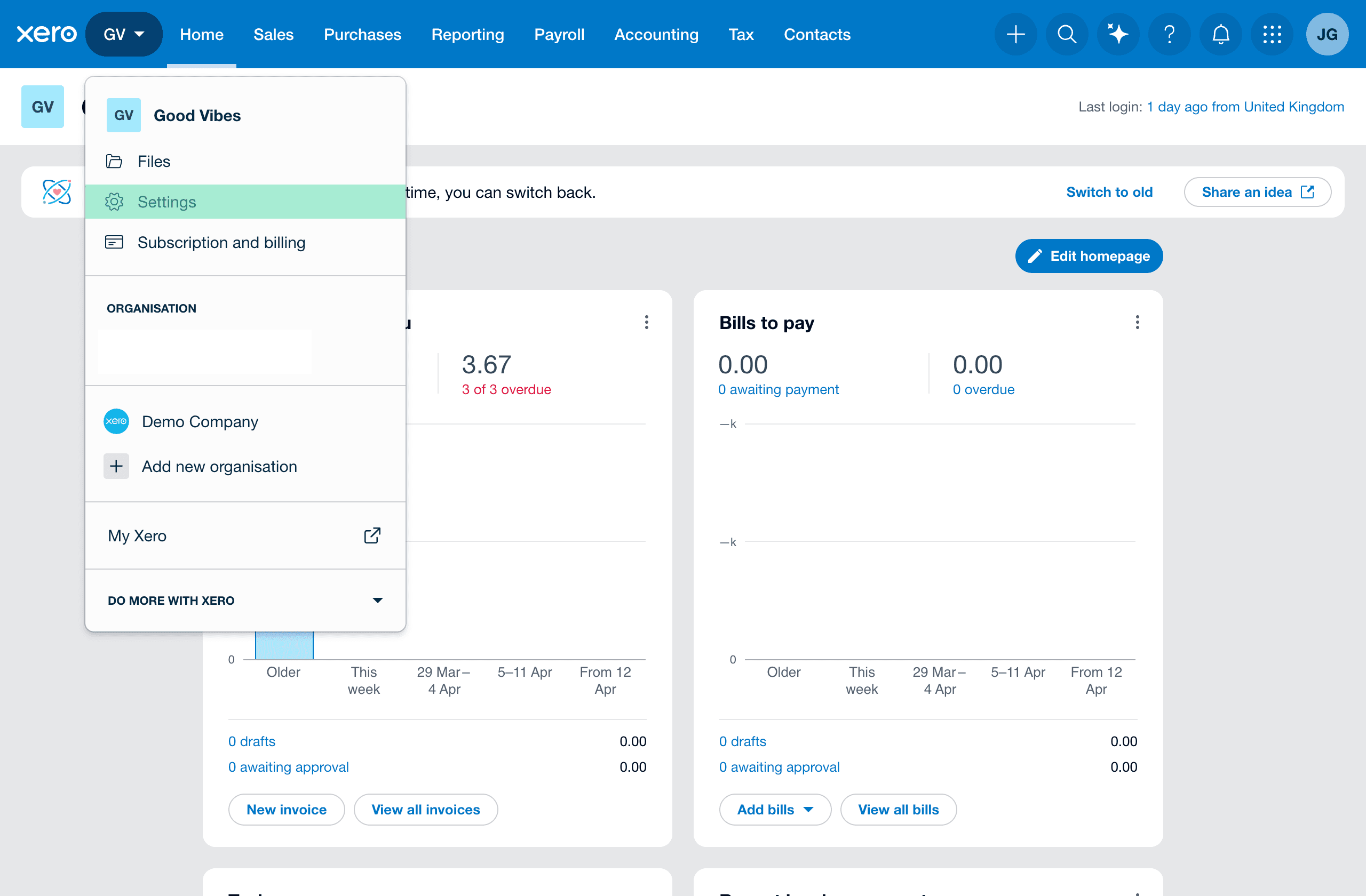
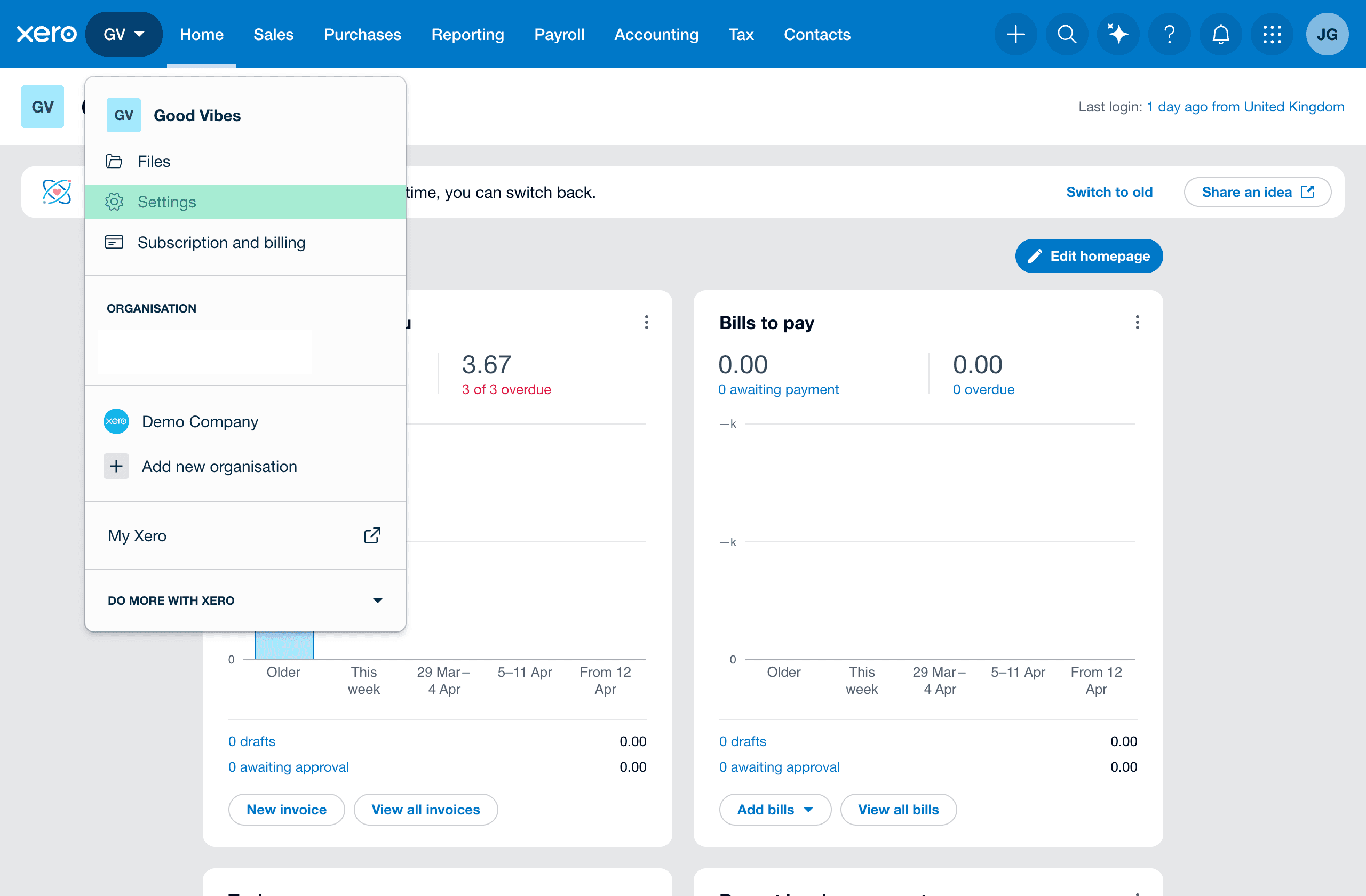
Go to [Your Company Name] then Settings:
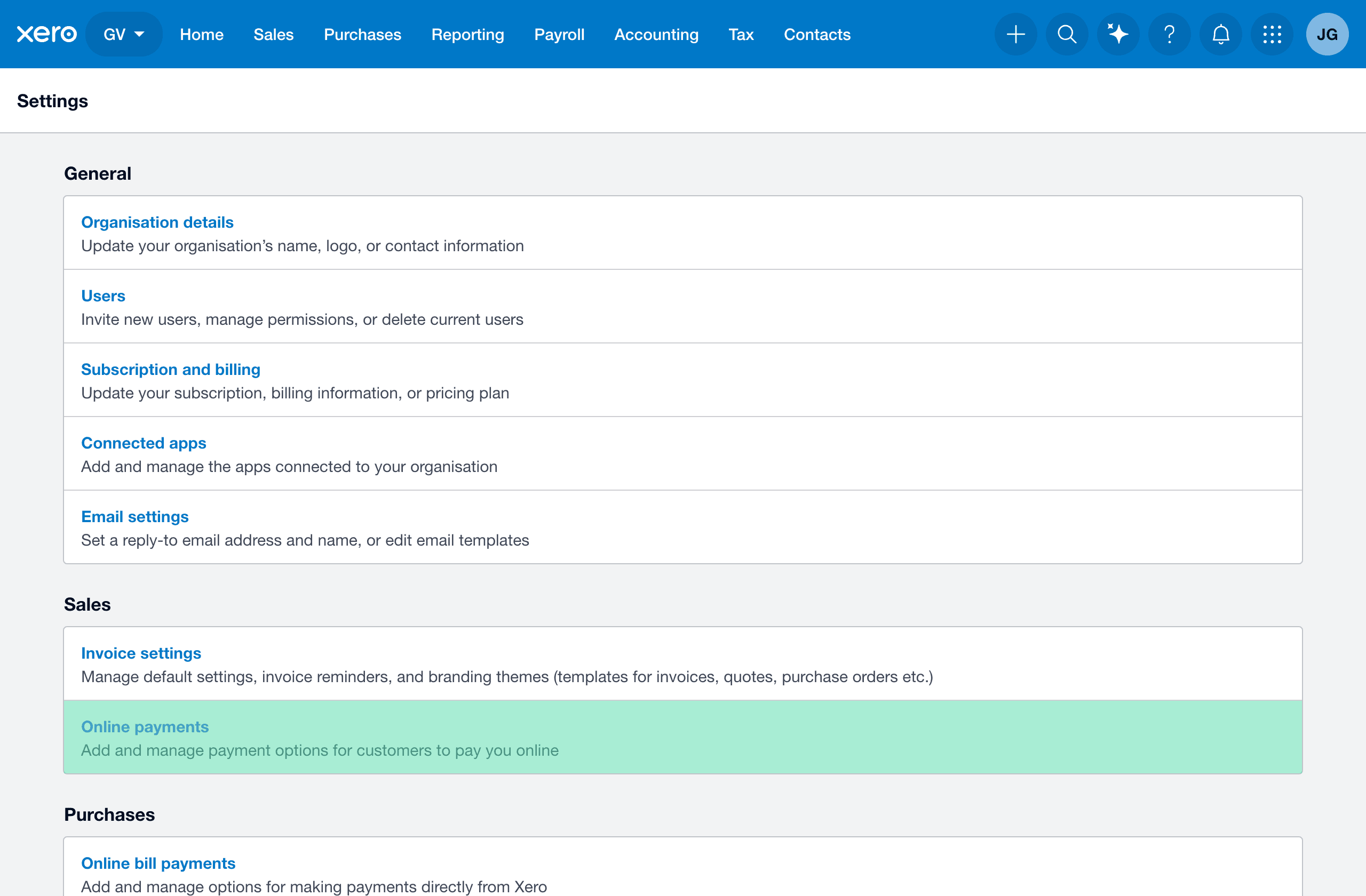
Go to Online payments:
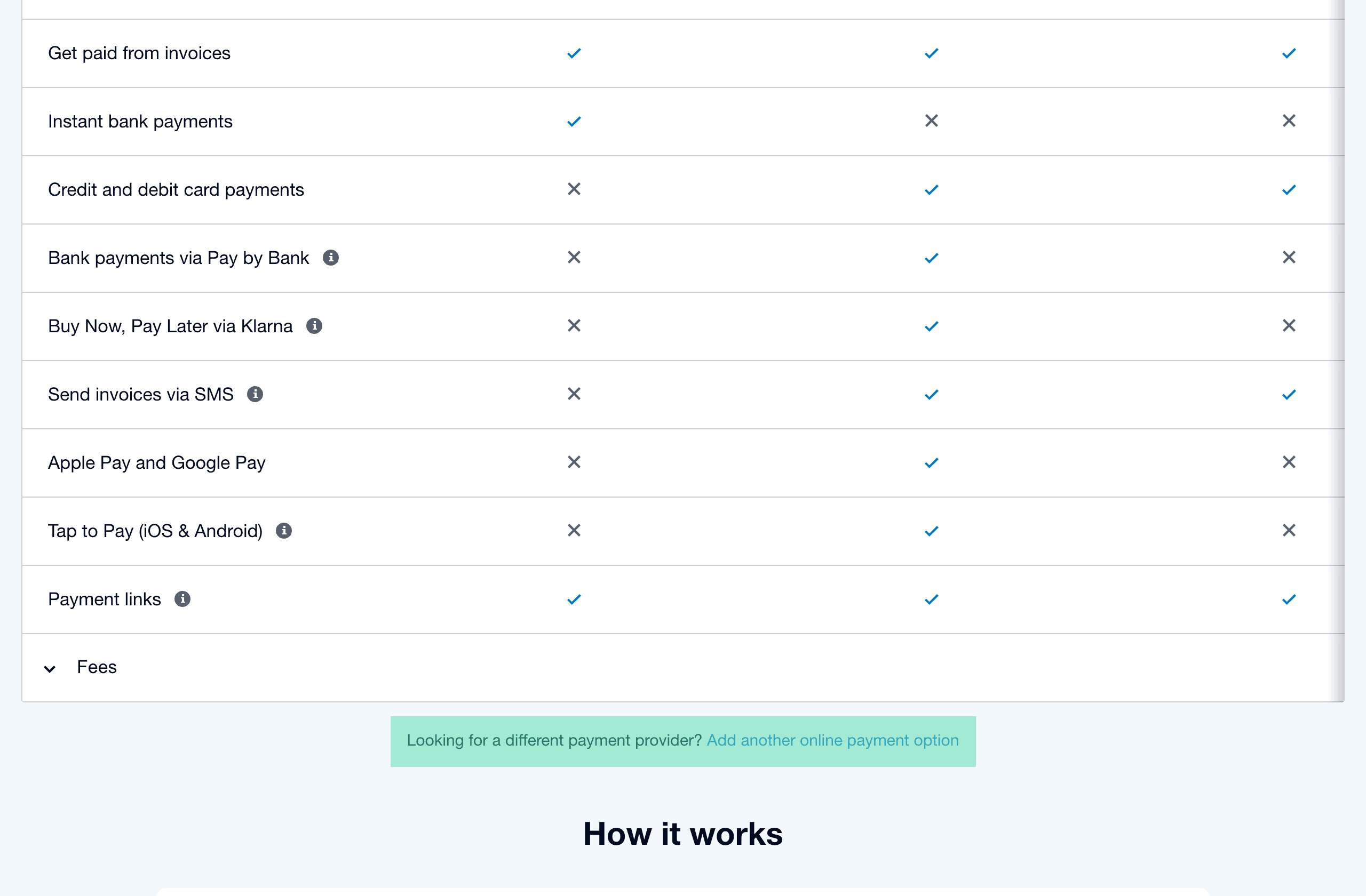
Go to Add another online payment option:
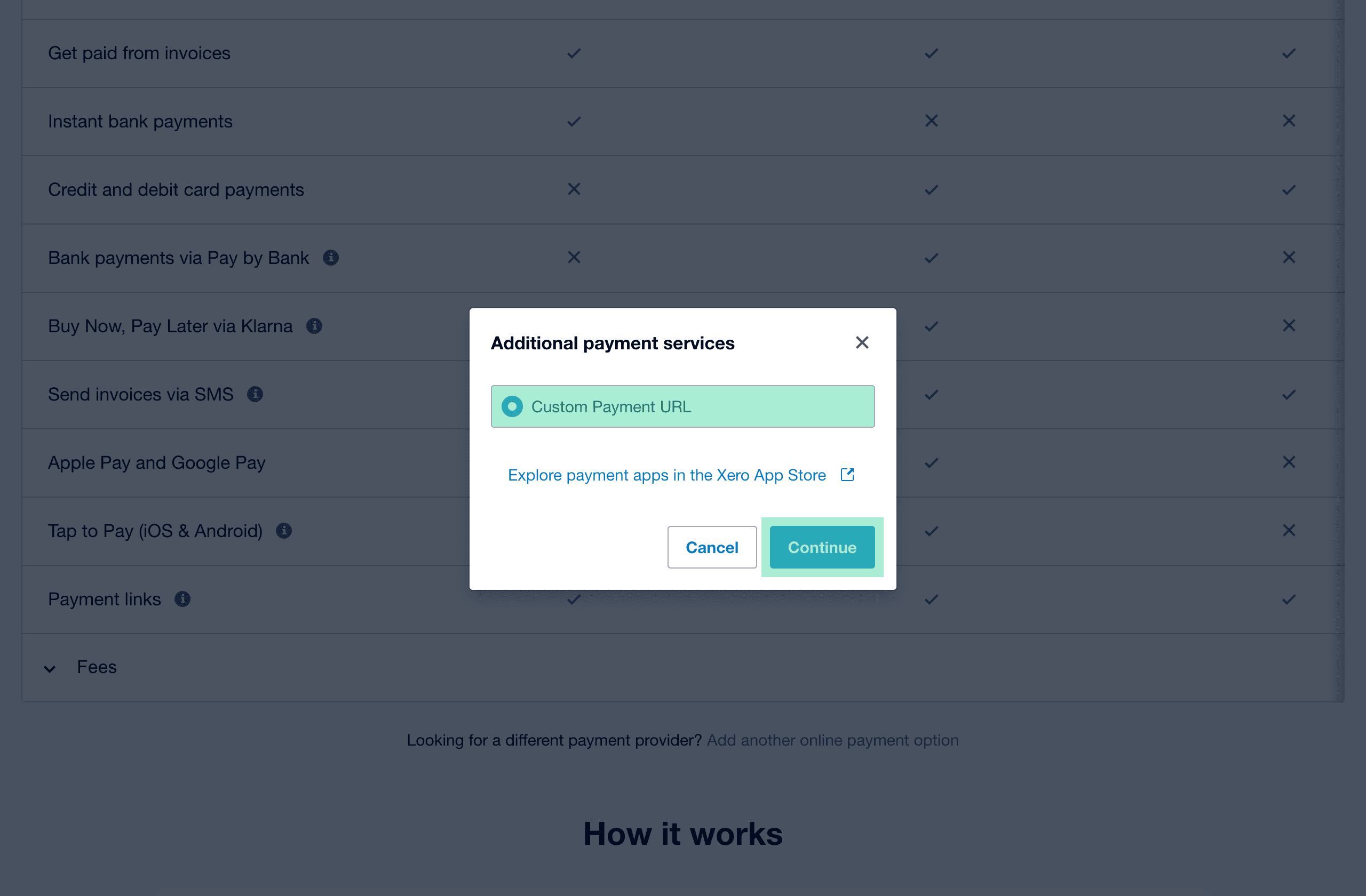
Choose Custom Payment URL then Continue:
Set:
- Account name to any name you recognise
- Your custom URL to your Xero-compatible flow URL starting with
https://sticky.to/go/flow/ - Pay now button text to Pay by card or Pay by bank as appropriate
Choose Save:
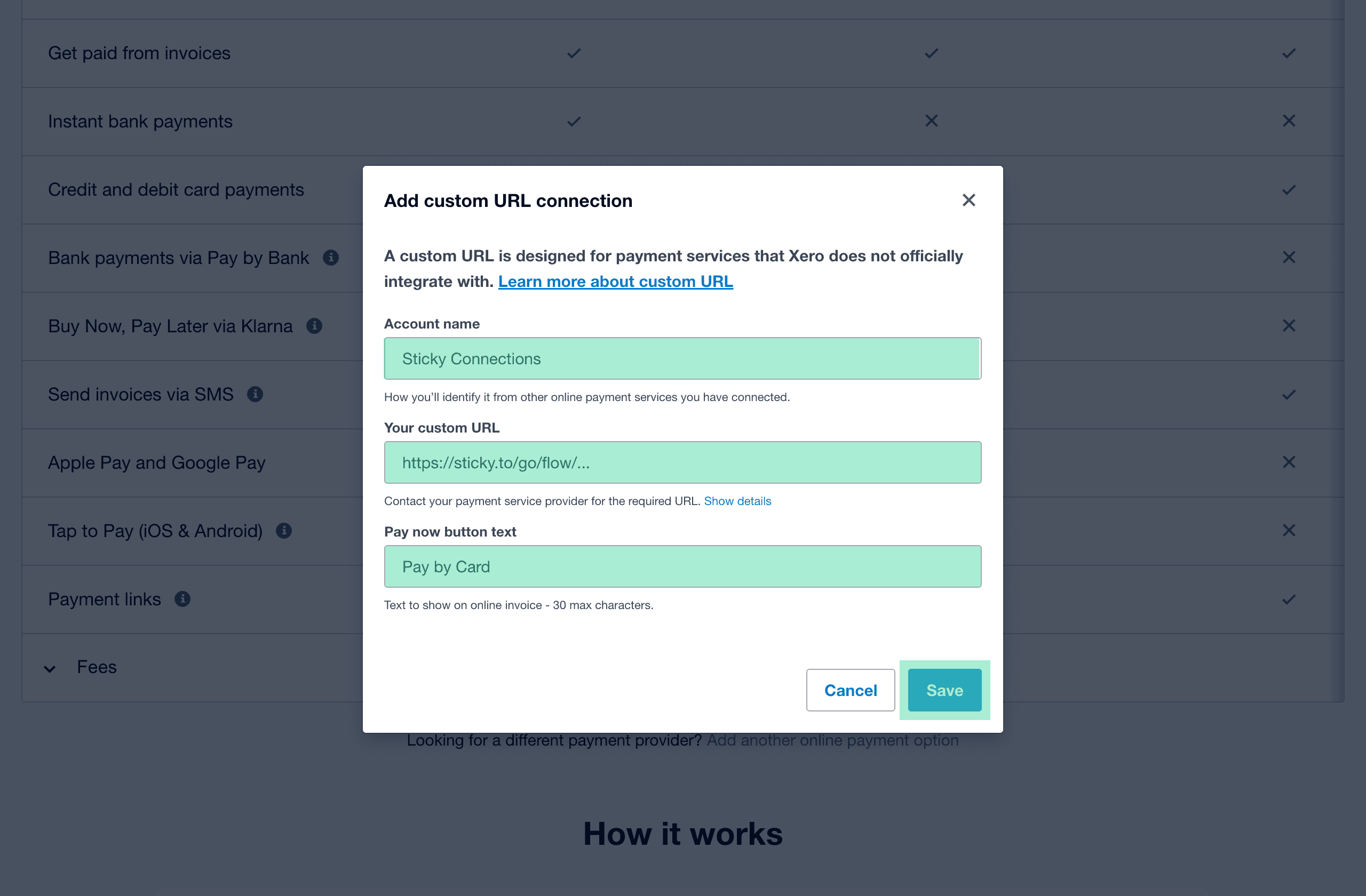
Set:
- Account name to any name you recognise
- Your custom URL to your Xero-compatible flow URL starting with
https://sticky.to/go/flow/ - Pay now button text to Pay by card or Pay by bank as appropriate
Go to [Your Company Name] then Settings:
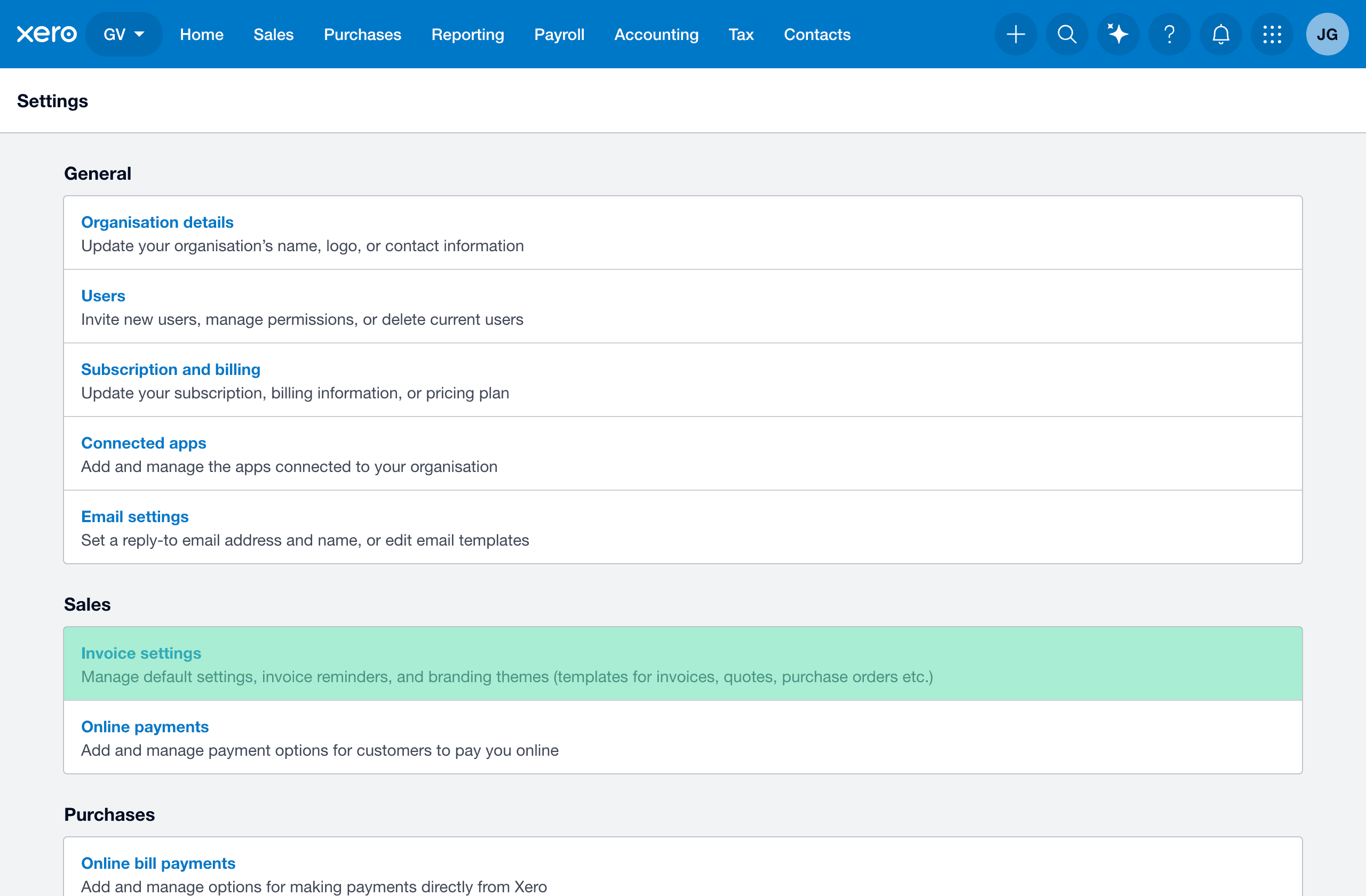
Go to Invoice settings:
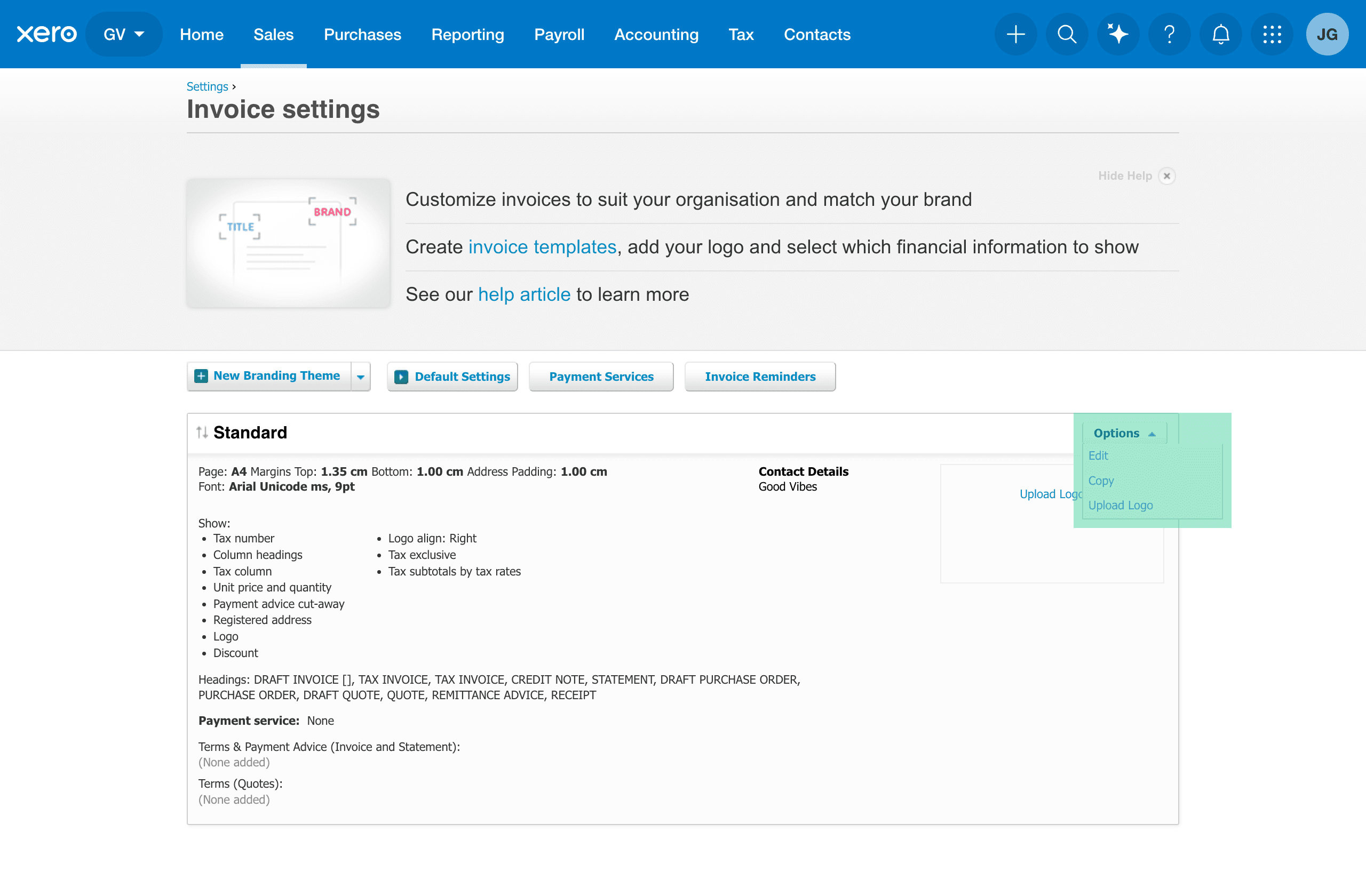
Go to Options then Edit:
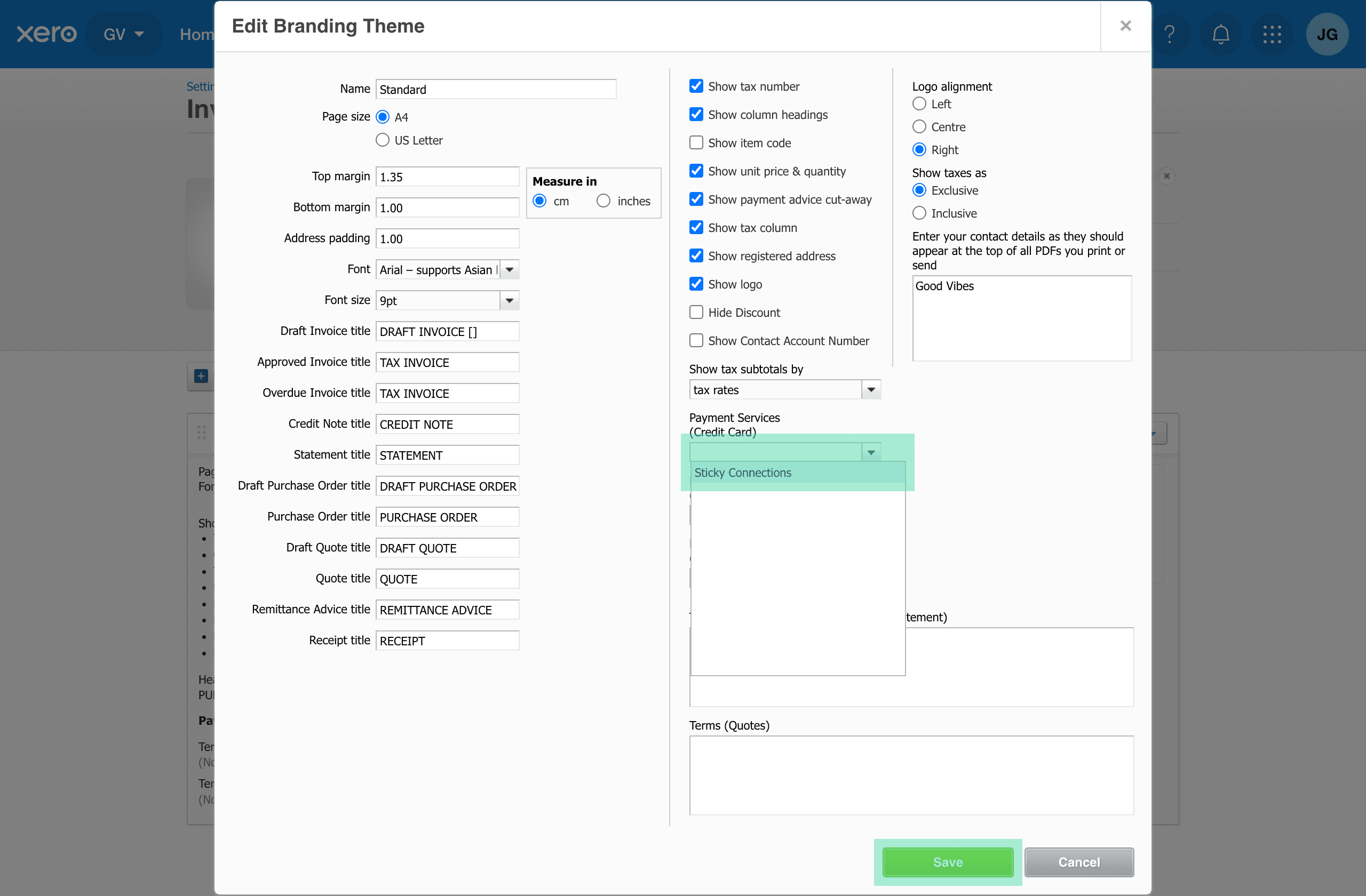
Set Payment Services (Credit Card) to the Account name you set earlier then choose Save:
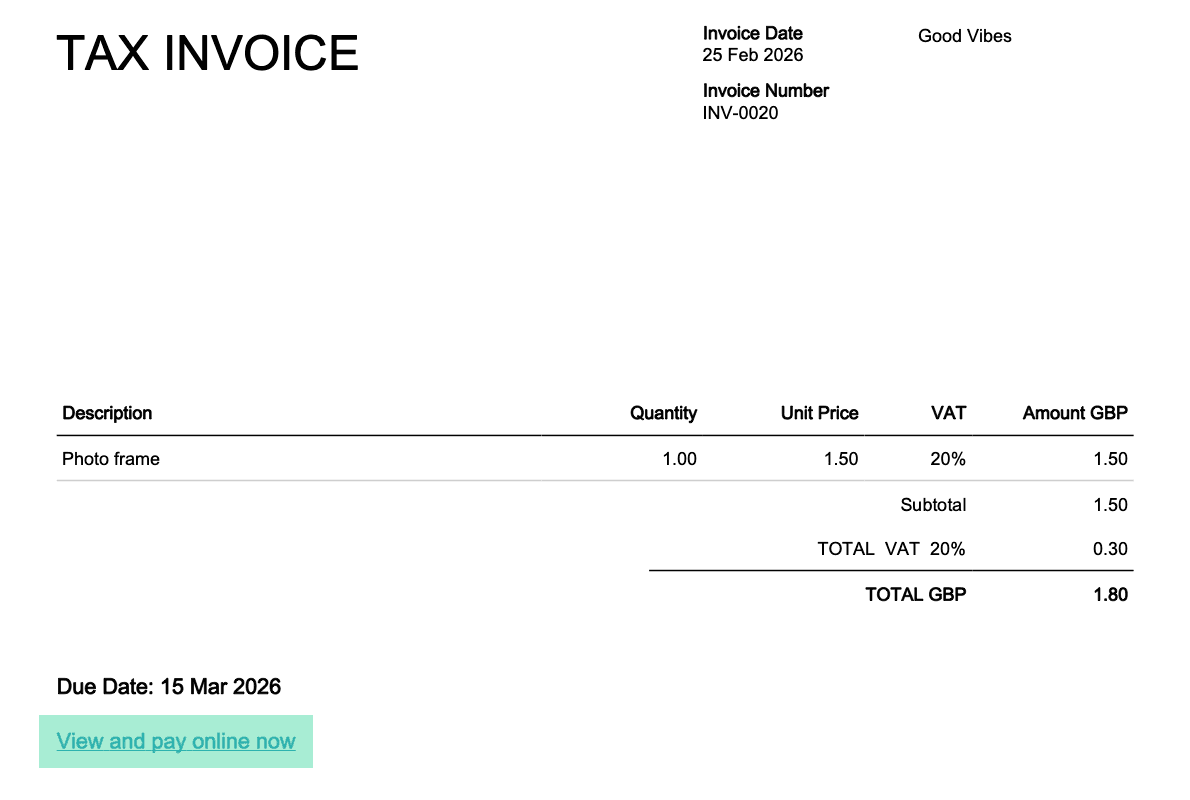
Your customers can now pay their invoices easily: